Program A
Standard program
For normally soiled laundry without prewash.
Choose a program, pay and start the washer or dryer. The whole process is divided into three clear sections.
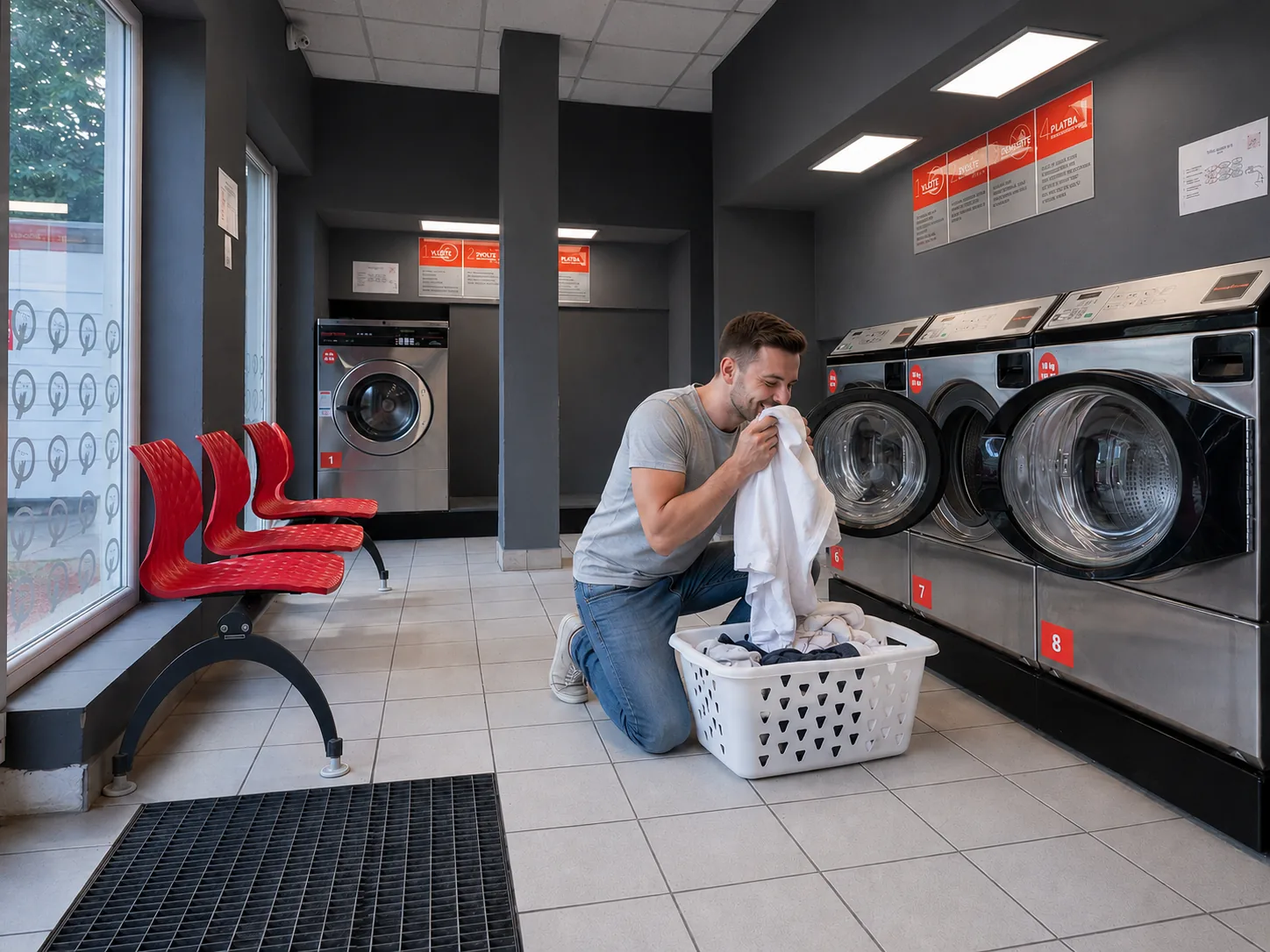
Load the laundry first, then choose the soil level and the temperature shown on the care label.
Choose a suitable washer, load the laundry and close the door properly.
A is the standard program, B is for moderately soiled and C for heavily soiled laundry.
As the second step, choose the temperature according to the symbols and instructions on the care label.
The number is shown in a red square on the machine. You will need it at the payment kiosk.
The wash program is a combination of soil level A, B or C and the selected temperature.
For normally soiled laundry without prewash.
For moderately soiled laundry with an additional cleaning agent.
For heavily soiled laundry with an additional cleaning agent.
Cycle time varies by washer size. The current time is shown directly on the machine.
Use the payment kiosk to select the machine and handle cash. For card payments, also follow the separate card terminal.
Enter the machine number on the kiosk, then use the separate card terminal.
It is shown in a red square on the washer or dryer.
Type the number on the payment kiosk keypad.
Check the selected number and confirm it with the green Enter key.
Follow the instructions on the separate card terminal.
A bright green terminal display confirms successful payment. Then return to the machine.
When paying with coins or banknotes, create credit at the payment kiosk first.
Insert banknotes or coins to create credit at the kiosk.
Type the washer or dryer number on the numeric keypad.
Check the number and confirm it with the green Enter key.
Use it for another wash or dry cycle, or return it with the round refund button.
Start the program on the washer or dryer with the green Start button.
After washing, move the laundry to a dryer. Payment uses the same kiosk as the washers.
Put the washed laundry into an empty dryer and close the door.
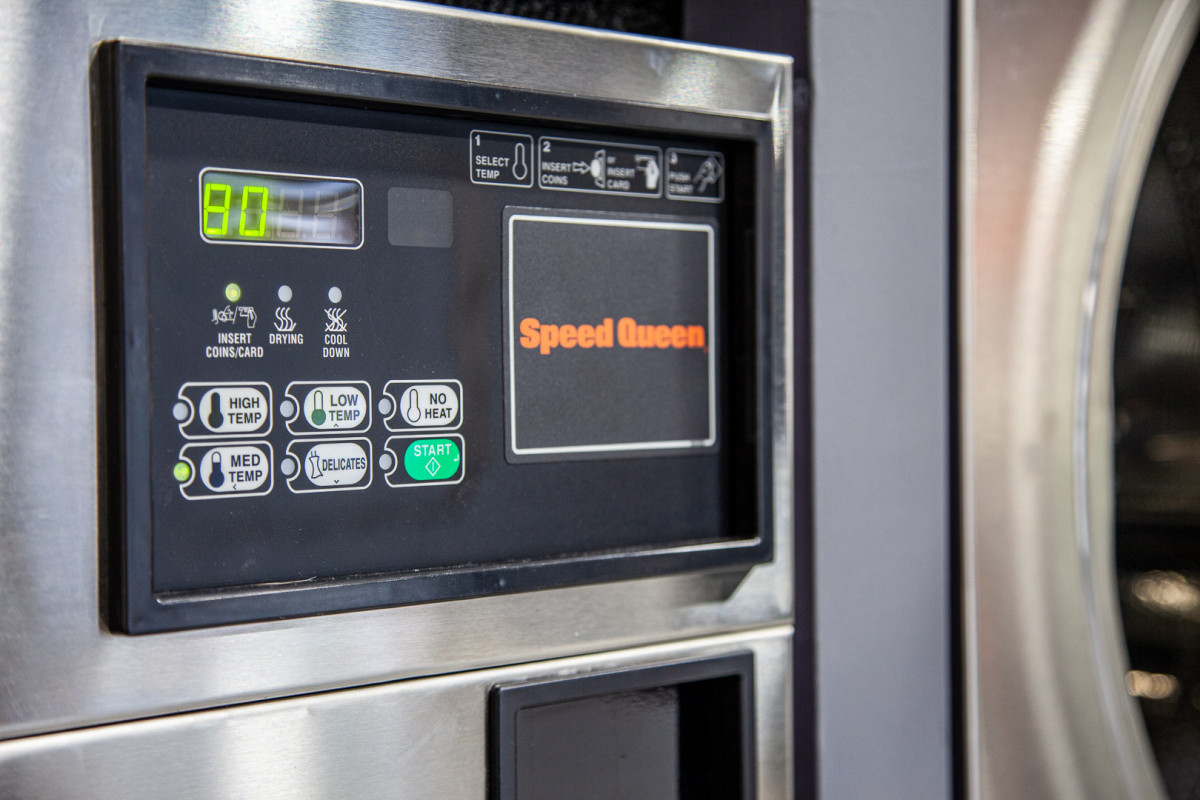
Choose the program according to the fabric and its care label.
Dryer 9 is large; dryers 10 and 11 are small. The number is shown in a red square.
Enter the dryer number and follow the card or cash instructions above.
Return to the dryer and press the green Start button. Small dryers cost 90 CZK / 15 min; the large dryer costs 90 CZK / 12 min.
The dryer remains unlocked during the cycle, so we recommend staying in the laundromat.
Detergent and softener are normally dispensed automatically. Use your own products only in the Without detergents mode.
The same guide is available inside the laundromat. You can also call us if you need help.
The washer stays locked and you may leave. The dryer remains unlocked, so stay nearby.
Address, map and quick contact in one place.